
Hunting season is just around the corner—and if you haven’t already, it’s time to start thinking about getting your trail cameras back in the field. Bucks are growing velvet, fawns are on the ground, and the early-season movement you capture right now will set the foundation for smarter hunting decisions all fall.
Before you head out and strap your cameras to trees, take a few minutes to go through this quick re-deployment checklist. Whether you’re reactivating a dozen cameras or a single one, a little prep will help you avoid the common pitfalls and missed intel that come with skipping the basics.
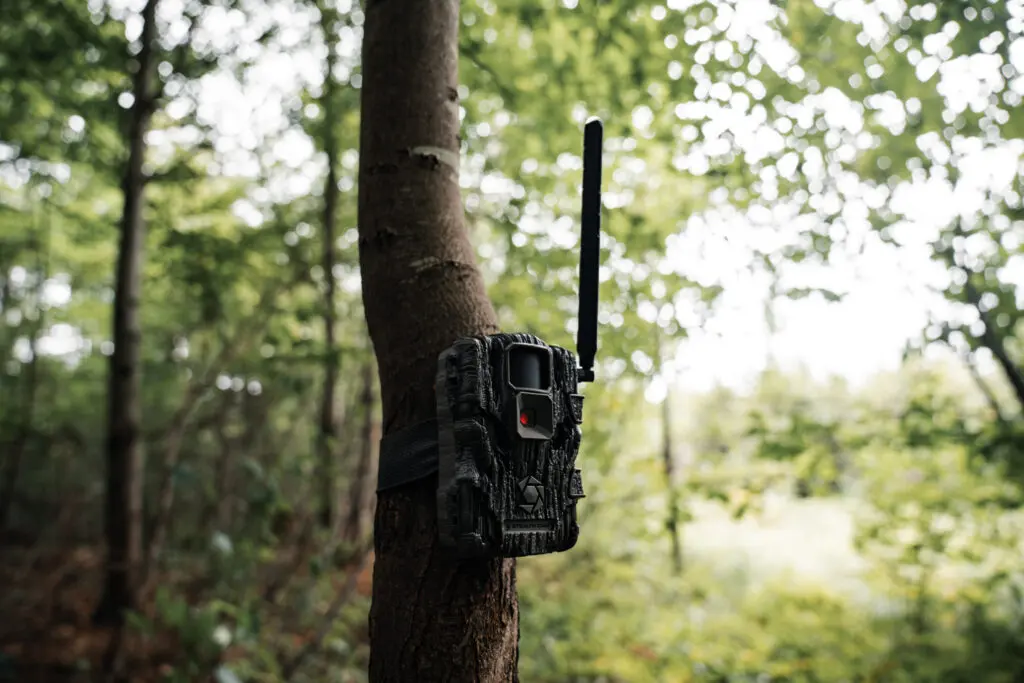
1. Clean Up Your Cameras
Dirt, sap, and spider webs may have built up from your camera’s last deployment. Give each one a quick once-over:
- Wipe off the lens and IR sensors with a soft cloth
- Remove any debris or dried sap that could obstruct visibility or detection
- Check that the housing, antenna, and latches are free of dirt or corrosion
Clean optics and sensors mean clearer images and better detection—simple as that.
2. Check and Charge Power Sources
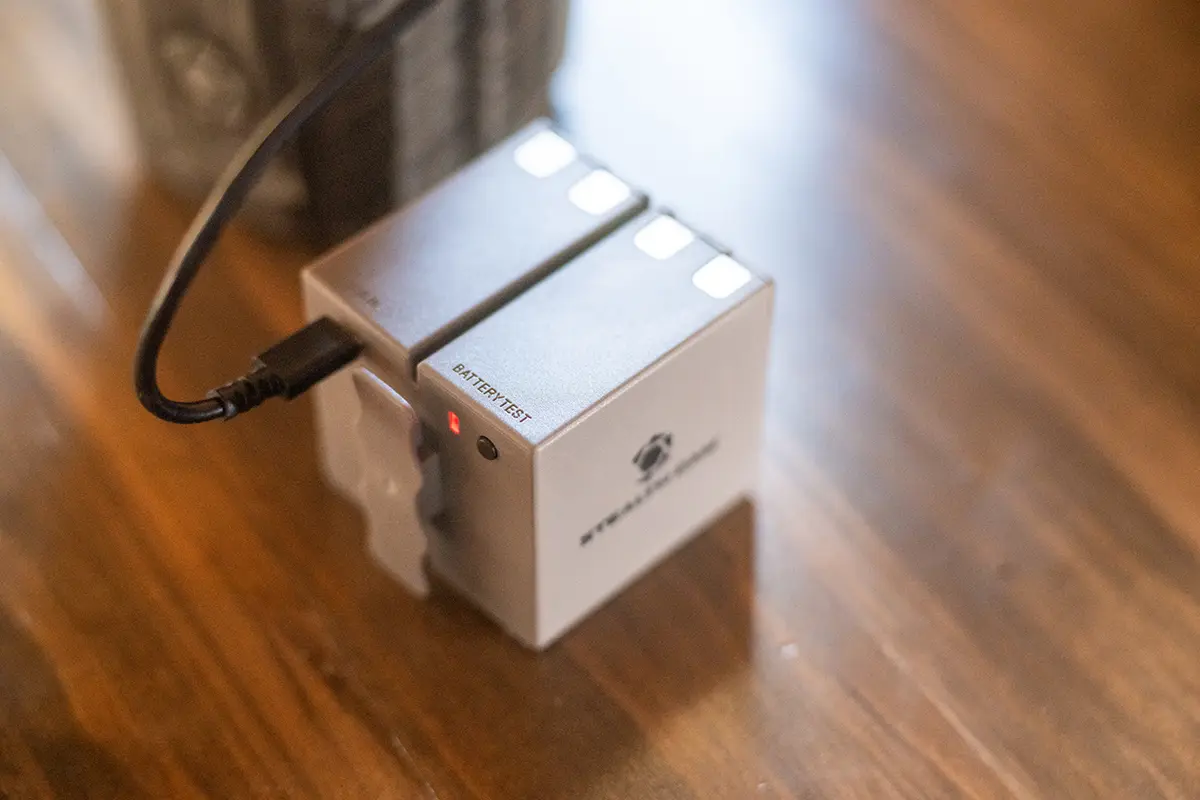
First things first: if there are old batteries in your camera, take them out immediately. Leaving batteries in during storage can cause corrosion and kill a camera.
Whether you run AAs, internal battery packs, or solar panels, here’s what to do:
- For AA users: Test each battery with a battery tester—they’re small, inexpensive, and save major headaches
- For internal lithium battery packs: Charge them fully before heading out
- For solar panels: Wipe off dust and residue, and top them off via USB if they’ve been stored for a while
Starting with full power keeps you from wasting time in the field.
3. Handle Your SD Cards (If You Use Them)
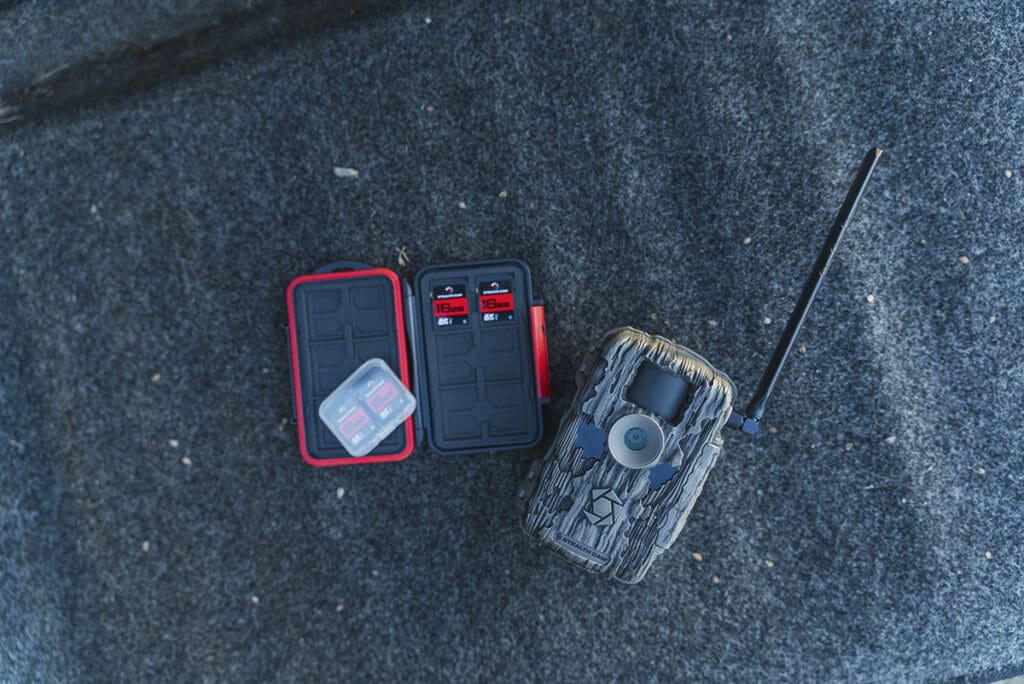
With the rollout of our new 2.0 cameras, internal memory is now standard—no more SD cards needed. But for older cams still in use, don’t skip this step:
- Back up or download any photo files you want to save
- Erase or format the SD card in the camera after powering it up
Check for damage or slow performance if you’ve reused the card for several seasons
4. Reactivate & Update
Now that your camera’s physically ready, it’s time to bring it back online:
- Add a data plan in the app if needed
- Power on the camera—if you see the up arrow icon, it means a firmware update is available
- Press Update in the app and Sync on the camera to begin updating (all lights will flash during the update process)
- Allow the camera a few minutes to fully sync before moving on
Running the latest software ensures your camera performs at its best and unlocks the newest features—like Live View and 4K photo downloads on Deceptor MAX and Revolver Pro models.
5. Test Before Deployment
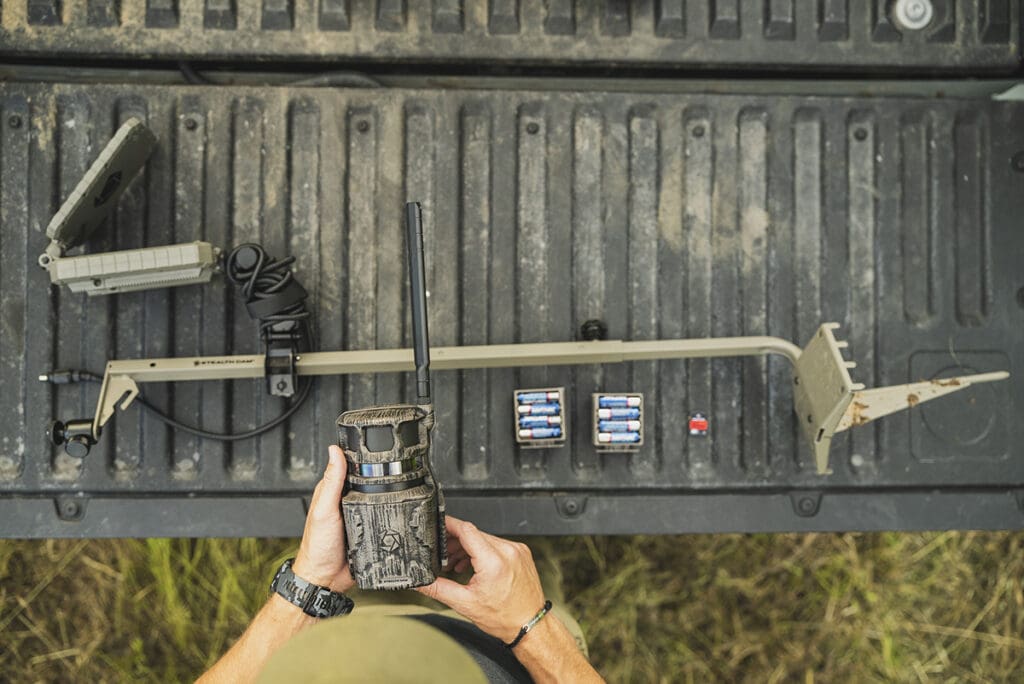
Before you leave the house—or the truck—make sure your settings are dialed in:
- Confirm your preferred photo and transmission settings are saved
- Send a test image and confirm it’s received in the app
- Power the camera off once it’s configured and ready to deploy
When you reach your camera site, just mount it, turn it on, and walk away knowing it’s fully operational.
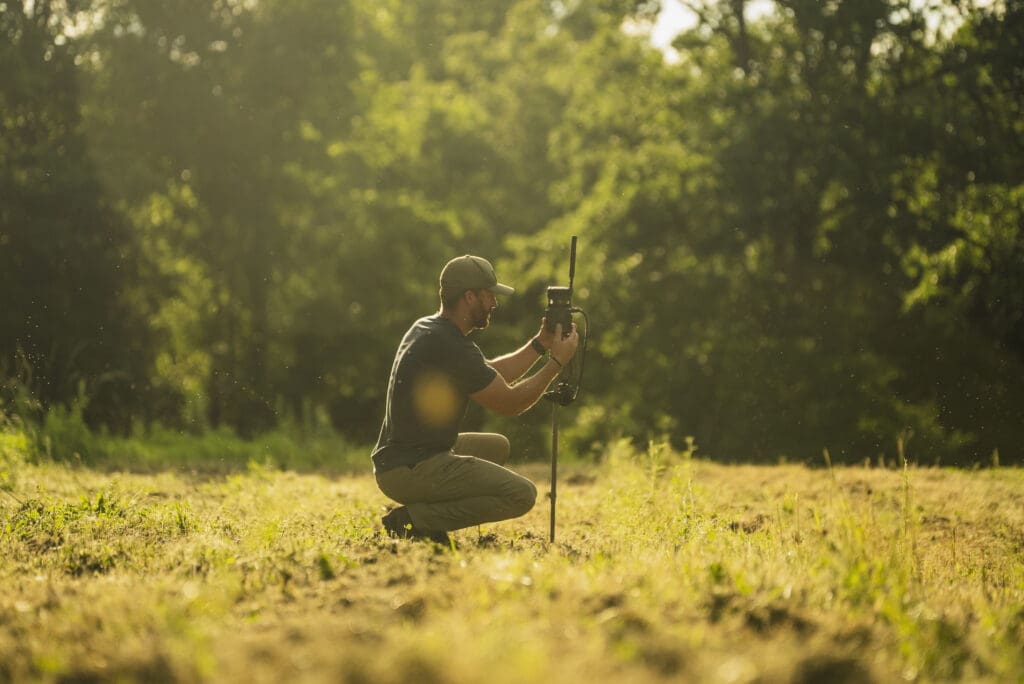
Bonus: Expanding Your Camera Network This Season?
Now’s a great time to upgrade with new 2.0 cameras featuring 4K photo downloads, Live View streaming, internal memory, and dual-core processors that allow simultaneous uploading and photo capture with zero downtime.
And if you’re looking to ditch the cost and waste of disposable AAs, invest in internal lithium battery packs or solar battery packs. They typically pay for themselves in just 2–4 battery changes—and save you the hassle of constant battery swaps in-season.
Don’t let minor issues like dead batteries or outdated firmware keep you from collecting the intel that makes a difference. Take a few minutes to run through this checklist and start the season with confidence. Your future self—and your hit list—will thank you.