Register to receive a notification when this item comes back in stock.
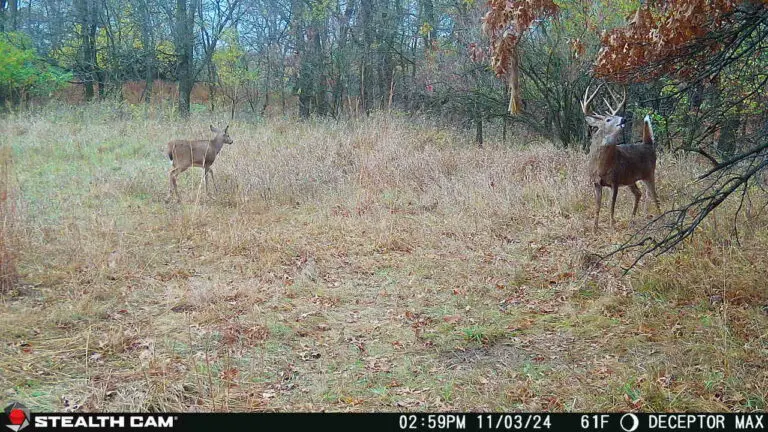
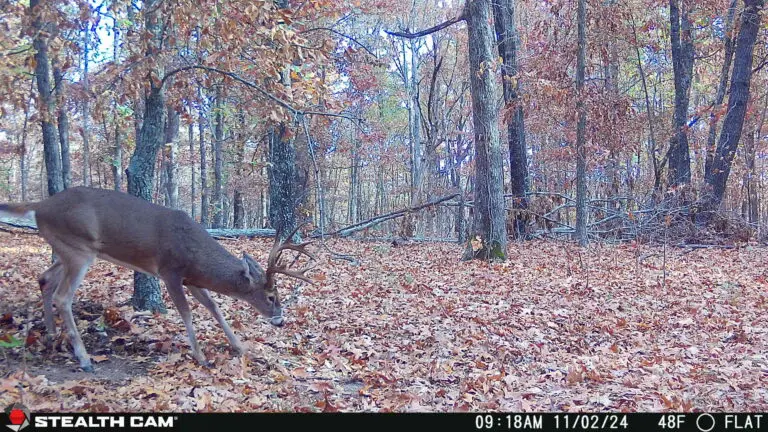
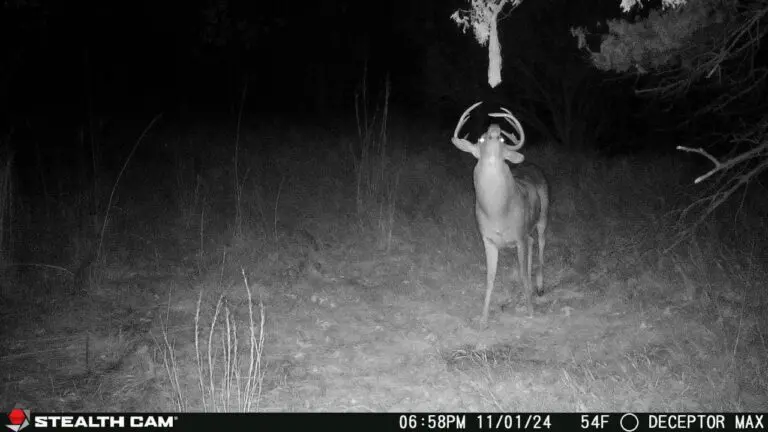
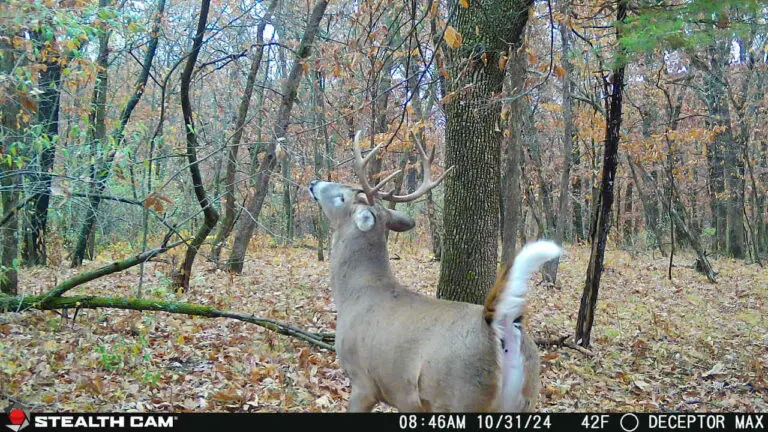
Photos
Video
Detection
Photos
Video
Detection
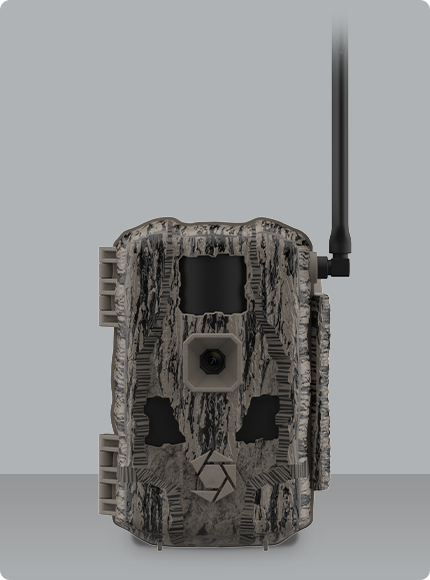
With 360º detection and panoramic imaging, the Revolver Pro 2.0 is built to cover more ground with fewer cameras. Its rotating lens captures activity in every direction, making it perfect for open areas, food plots, or trail intersections. The updated housing offers improved weather protection, while sharp image quality lets you monitor key spots with confidence—right from your phone.
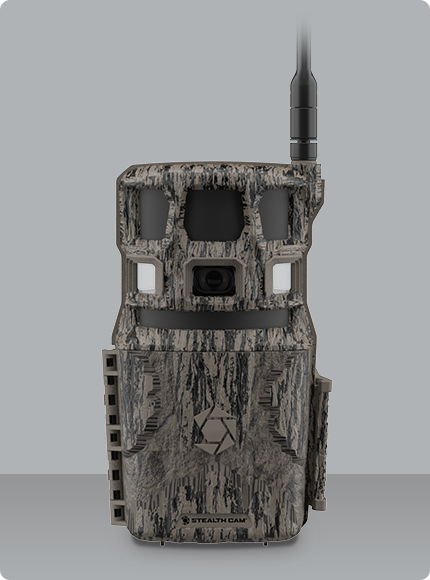
Built for reliability and image clarity, the Fusion MAX 2.0 delivers high-resolution photos and 1080p video, all transmitted directly to your smartphone through the Stealth Cam Command Pro app. With upgraded internal memory and 4K image download capability, this camera provides sharp detail, even from remote locations. Whether you’re scouting new territory or monitoring frequent activity zones, the Fusion MAX 2.0 offers dependable performance and easy setup, every time.
Fixed price per camera
600 Photos
200 Video Previews
Includes HD Photos
Video Downloads €0.5 each
Fixed price per camera
1,200 Photos
400 Video Previews
Includes HD Photos
Video Downloads €0.5 each
Unlimited Photos
Unlimited Video Previews
Unlimited HD Photos
Fixed price per camera
10 Video Downloads per/mo
Photos
Video @ 30 FPS
Detection Range
Trigger Speed
Flash Type
You can activate Live View in the Command Pro mobile app. The steps differ slightly depending on whether you’re adding a new camera or enabling Live View on an existing one.
For cameras already added to your account:
Open the Command Pro app and go to the home screen.
Tap the drop-down arrow on your camera card, then tap Live View.
The app will guide you through adding a Live View plan and enabling Quick Connect. At checkout you’ll see a credit for 60 minutes of Live View.
The app will request to update your camera remotely via cellular during the next sync. Once the update is complete, Live View will be ready to use.
To speed up the process, try triggering an On-Demand Photo to force a sync.
You can also press the Sync button manually if you’re near the camera.
For new Live View cameras:
Scan the QR code on the camera using the Command Pro app.
Follow the prompts to add your camera and select a data plan.
During setup, you’ll be asked if you want to activate Live View.
Once the camera is onboarded, go to the app’s home screen.
Tap the drop-down arrow on your camera card, then tap Live View.
Follow the instructions to activate Quick Connect and update your camera’s software.
Press the Sync button on the camera to complete the update.
Just activate Live View on a compatible camera in the Command Pro app and add monthly Live View to your camera. Whether you’re setting up a brand-new camera or enabling Live View on one you already own, you’ll receive 60 minutes free the first time Live View is activated.
The free 60 minutes are applied as a credit during the in-app checkout process for Live View add-on plan.
The Command Pro Live View feature is available on the following high-performance camera models.
Yes. Each camera you want to use with Live View requires its own Live View add-on plan.
Absolutely. On the Revolver Pro model, you can adjust the camera’s viewing direction in real time during your Live View session.
Connect with our team to learn more about global camera availability, compatible data plans, or support for your Stealth Cam device.